Key points
- Works on most Samsung and LG TVs from recent years
- No extra hardware needed if a suitable app is available
- A streaming stick is the quick answer for older sets
If your Samsung or LG television is a few years old or newer, you can probably watch Euroskara without buying anything else. Both brands have app stores with IPTV players that load your account directly. Setup differs slightly from Fire TV, because many TV players are activated by entering a code on the player's website rather than typing everything on the remote.
Know your TV
- Samsung sets run Tizen. Press Home and open Apps to reach the store.
- LG sets run webOS. Press the Home button and open the LG Content Store (called Apps on newer models).
- Check for a software update first: Settings › Support › Software Update on Samsung, Settings › General › About this TV on LG.
Pick a player
Search the store for an IPTV player. Several well-known players are available on both platforms; some are free, some charge a small one-off or yearly fee that goes to the app developer, not to us. When you join, we tell you which player currently works best on your model.
Euroskara is the service; the player is just the app that shows it. If a player stops working after a TV update, you can switch to another and keep the same Euroskara login.
Add your Euroskara account
- Install the player and open it. Many show a device ID or MAC address and a short code on screen. Note them down.
- If the player uses a website for setup, open that site on your phone or laptop, enter the device ID and code, and choose Xtream Codes or M3U.
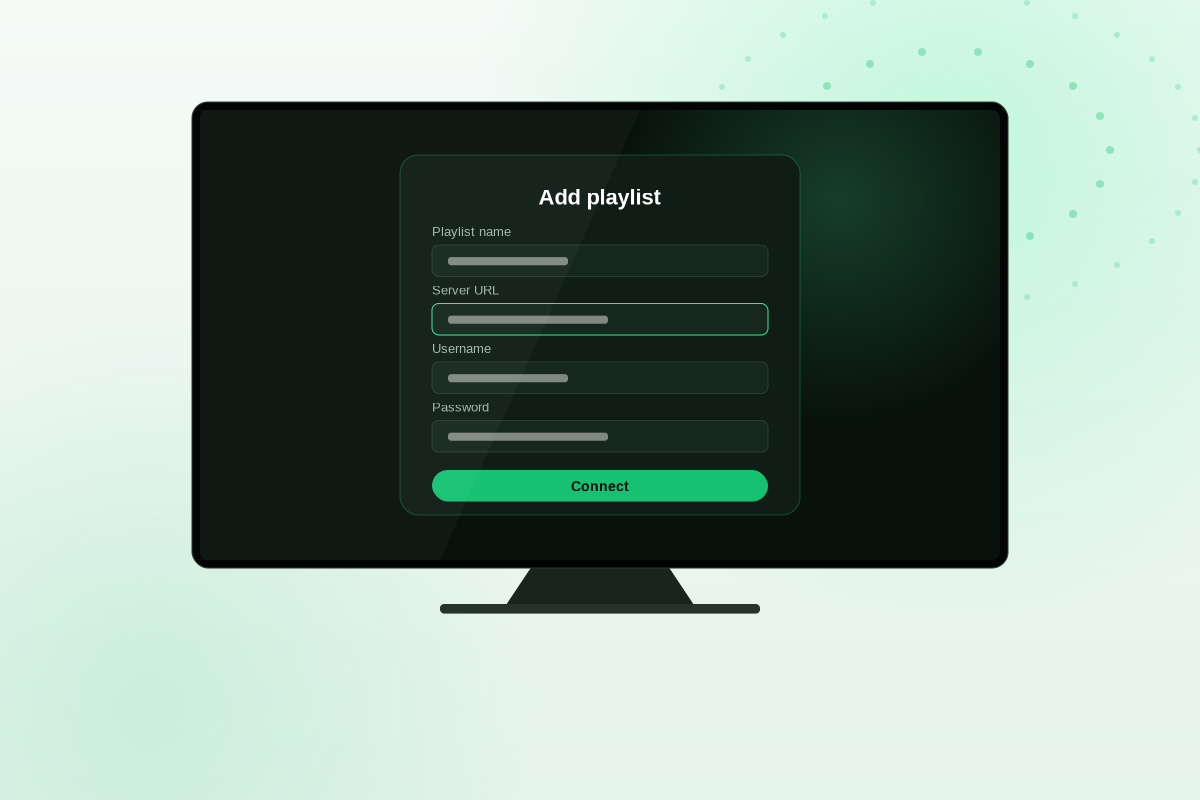
- Enter the server address, username and password we sent you on WhatsApp, or paste the M3U link, then save.
- Back on the TV, restart the player. Your channels, films, series and guide will load. If the player lets you type directly on the TV, enter the same details there instead.
Get the best picture
- Use a cable: most smart TVs have an Ethernet port, and it is far steadier than built-in Wi-Fi, especially for football.
- Turn off motion smoothing if faces look odd: it is called Picture Clarity on Samsung and TruMotion on LG.
- Game mode off: it can reduce picture processing that helps with lower-bitrate channels.
When a stick makes more sense
Older smart TVs often have slow processors and limited memory. If the player is sluggish, crashes or is not in your store at all, a Fire TV Stick or a Google TV stick plugged into the HDMI port is usually the quickest, cheapest fix. It also gets updates for far longer than the TV will. See our Fire TV Stick guide.
Quick fixes
| Problem | Likely cause | Fix |
|---|---|---|
| Player not in the store | Model too old or region settings | Use a streaming stick instead |
| "Playlist expired" | Player licence, not Euroskara | Check the player's own activation status on its website |
| Picture freezes | Built-in Wi-Fi is weak | Connect a cable or a powerline adapter |
Need a hand? Send your TV model and a photo of the screen on WhatsApp.